Pick your studio and package
Choose the room, then select Essential, Signature or Elevate. Recording time and inclusions are shown with each package.
Compare studios ↗Compare packages ↗
Choose your studio and package, send your preferred time and we’ll contact you to confirm the booking.
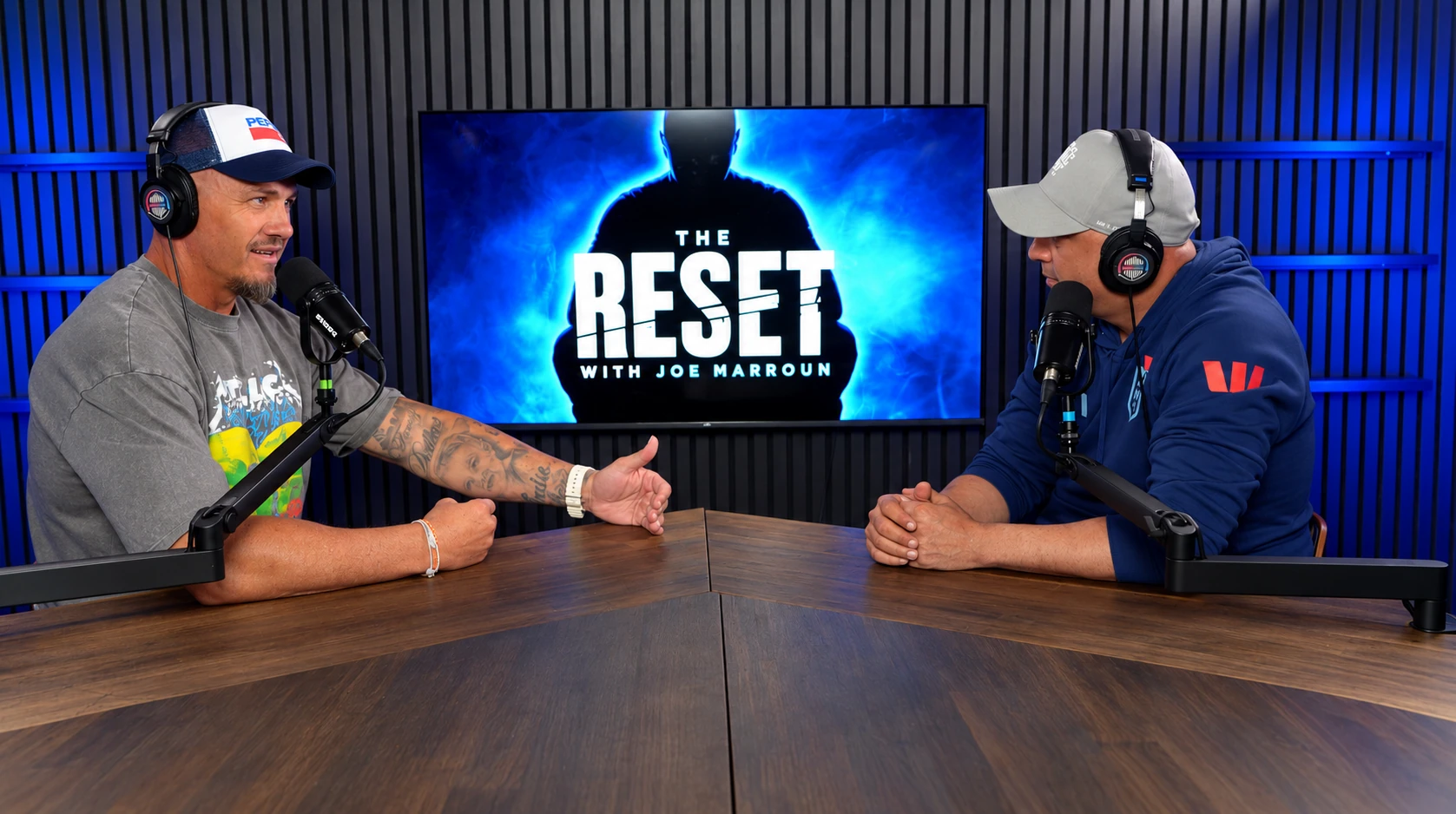
Choose the room, then select Essential, Signature or Elevate. Recording time and inclusions are shown with each package.
Compare studios ↗Compare packages ↗Add your date, time, guest count and contact details. Include anything you want the team to know about your recording.
Our team checks availability and contacts you. Your time is reserved after confirmation; sending the request does not take payment.
Focus and Energize are available for recording requests. For Halo, Midnight and Air, send a pre-booking request and we’ll contact you to arrange a date.
Share the guest list, episode outline and any show artwork. We’ll send arrival instructions with your confirmation.
Open the session checklist ↗Your contact details are used to arrange the session. Booking does not add you to a marketing list.